

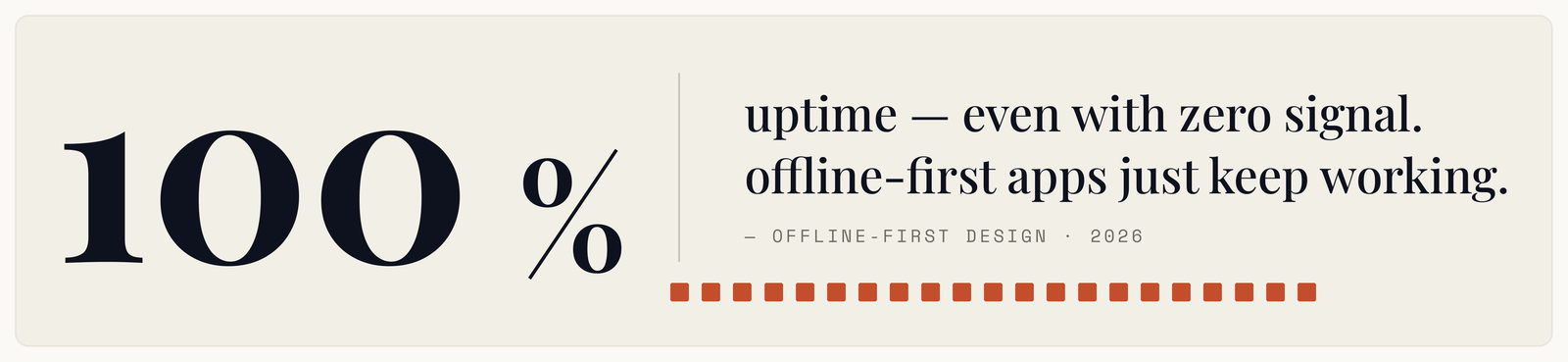
Most apps are tested on office wifi by people sitting still. Then they ship to someone on a train, in a lift, in a basement warehouse, or on a rural road, and the spinner appears.
The interesting part is that connectivity failures are rarely binary. A phone showing full bars can still have a connection that accepts your request and never answers, which is worse than no connection at all — because the app usually has no code path for it.
Offline-first is an architecture, not a feature
The common approach is online-first with offline patched on: the app fetches from the network, and when that fails it shows a cached copy and an error. Offline handling is the exception branch, and it is the least-tested code in the product.
Offline-first inverts the flow. The app reads and writes to a local database, always. That database is the source of truth for the user interface. A separate sync process reconciles it with the server when a connection exists.
The practical consequence is that the network stops being on the critical path. The app is fast because it never waits for a request to render, and it works on a train because working on a train is the normal case rather than the fallback.
That is also why bolting it on later is painful. It is not a feature you add; it is a different relationship between the UI and the data.
Where it genuinely matters
Field work. Inspections, deliveries, utilities, agriculture, construction. Connectivity is unreliable by nature of the location, and the worker cannot stop working because the app can't reach a server.
Anything used while travelling. Transit apps, ticketing, navigation, and the boarding pass that must render in a tunnel.
Emerging markets and rural coverage. Where intermittent connectivity is normal rather than exceptional, an app that requires a good connection is an app that fails most of the time for a large share of users.
Speed-sensitive interfaces generally. Even on good connections, local-first reads feel instant in a way network reads never do. Several apps known for feeling fast are offline-first primarily for that reason.
Where it matters less: apps whose entire value is live shared state — a trading screen, a live auction — where stale data is worse than no data.
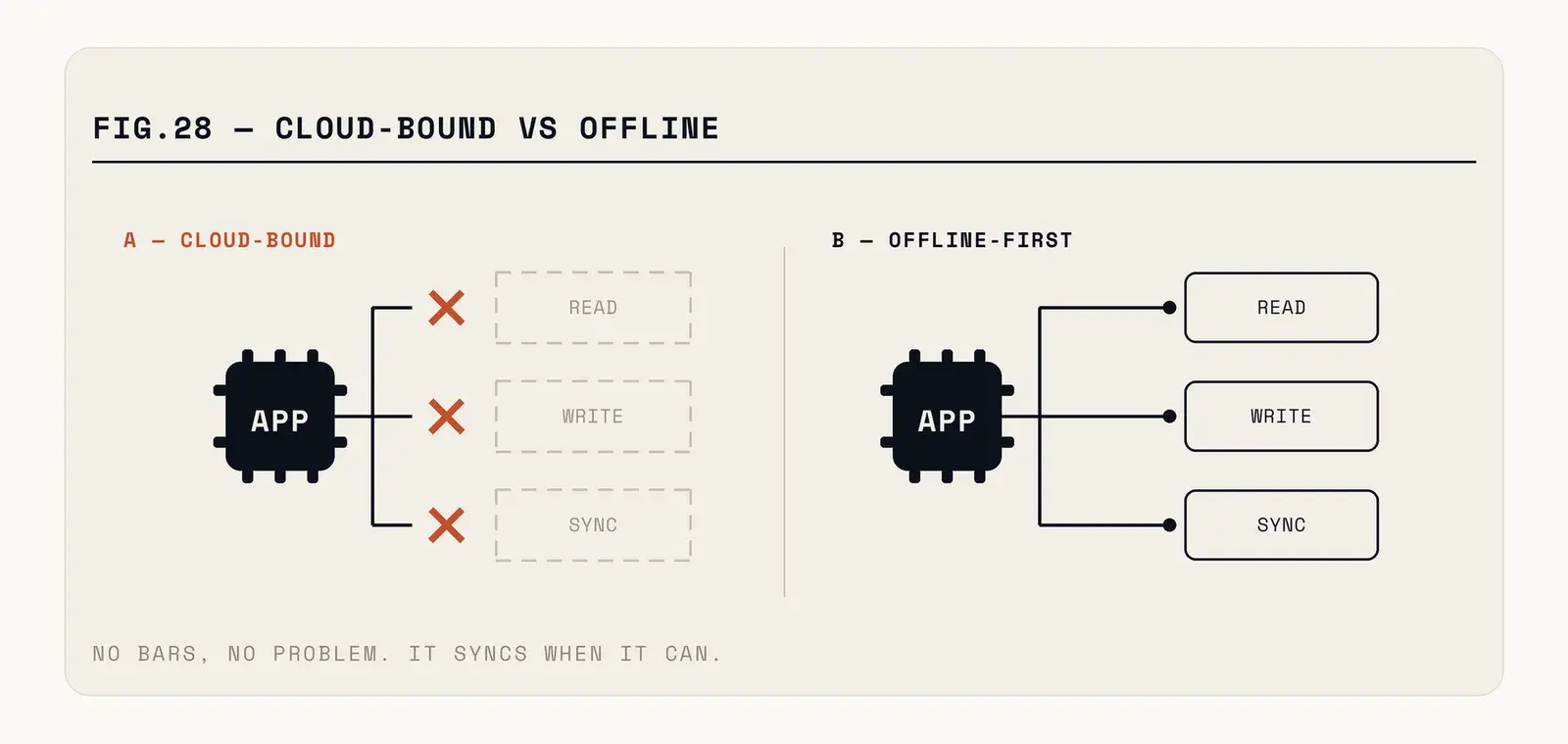
Fig. — Same features. The difference is what the interface waits for.
The hard part is conflicts
Everything above is straightforward until two people change the same thing while disconnected. Then you have to decide what the truth is, and there is no universally correct answer.
Last write wins is the simplest and silently destroys work. Fine for a personal setting, unacceptable for shared records.
Per-field merging keeps both changes when they touch different fields. Better, and it requires tracking modification times per field rather than per record.
Operation-based sync records what the user did rather than the resulting state — "added 3 to quantity" instead of "quantity is now 8". Two such operations compose correctly where two state writes would clobber. More work, and much better behaviour for collaborative or counting-based data.
Ask the user is legitimate and underused. For rare, high-value conflicts, showing both versions and letting a human choose beats any automatic rule.
The decision should be per data type, not per app. A user's draft notes and a shared inventory count want different answers, and treating them the same is how you get either lost work or needless prompts.
The problems that show up in production
Storage growth. A local database that only ever accumulates will eventually consume more space than users tolerate, and they will notice in their settings screen. Decide what gets pruned and when, early.
Schema migration on device. Your server schema evolves; so does the local one, on devices that may have skipped six versions. Migration code needs to handle a jump from any old version, and it needs testing, because a failed migration on launch is an app that will not open.
Sync queues that poison themselves. One change that the server keeps rejecting can block every subsequent change behind it. Queues need a poison-message path — park it, alert, keep going.
Authentication expiry. A token that expired while offline means a queue of changes that cannot sync until the user logs in again, and they need to be told that clearly rather than watching a silent failure.
Stale data with no indication. A user acting on three-day-old prices needs to know they are three days old. Showing last-synced state is a small UI addition that prevents real mistakes.
Background sync that never runs. Both platforms aggressively limit what an app may do in the background, and the limits tighten with each release. An app relying on background sync to stay current will find it runs far less often than expected, particularly for users who rarely open it. Sync on launch and on foreground as well, rather than assuming the background pass happened.
What it does to your backend
Offline-first is usually discussed as a client concern, and about half the work lands on the server.
Endpoints have to become idempotent, because a client that lost its connection mid-request will retry and cannot know whether the first attempt landed. A create that runs twice produces a duplicate, and duplicates created by sync are unusually confusing to debug because nobody was watching when they happened.
You need a way to fetch changes since a point in time, rather than fetching everything. A client that has been offline for a week should ask for the delta, not re-download the dataset — both for the user's data allowance and for your bandwidth bill.
Soft deletes become necessary. If a record is hard-deleted on the server, a client that never saw the deletion has no way to learn about it and will keep showing a thing that no longer exists. A deleted-at marker that syncs like any other change solves it, at the cost of a cleanup job later.
And server timestamps need to be authoritative. Device clocks are wrong, sometimes by hours, occasionally deliberately. Any conflict resolution that trusts a client-supplied time will eventually resolve in favour of whoever's phone was most wrong.
Building it without inventing everything
Do not write a sync engine. Several mature options exist across the ecosystem — local-first databases with built-in replication, sync services that pair with a hosted backend, and libraries that handle queueing and conflict resolution as a solved problem. Sync is deceptively deep, and hand-rolled implementations tend to be correct until the first genuinely concurrent edit.
Design the data model for it from the start. Every record needs a stable client-generated identifier so an item created offline has an identity before the server sees it. Server-assigned IDs are the single most common reason retrofitting offline support is painful.
Make sync state visible. Not a spinner, but a quiet, honest indicator: pending changes, last synced, something wrong. Users are remarkably tolerant of delays they can see and intolerant of silence.
Think about what should not be stored locally, too. Offline-first means data sits on the device, which changes your exposure if that device is lost or compromised. Cache what the user needs to work; do not replicate an entire customer database onto every field engineer's phone because it was easier than scoping the sync. Encrypted local storage and a remote wipe path are the baseline for anything sensitive.
And test with the network genuinely degraded rather than off. Both platforms ship network-conditioning tools; use the ones that simulate high latency and packet loss. Airplane mode is the easy case, and it is not the one that breaks your app.