

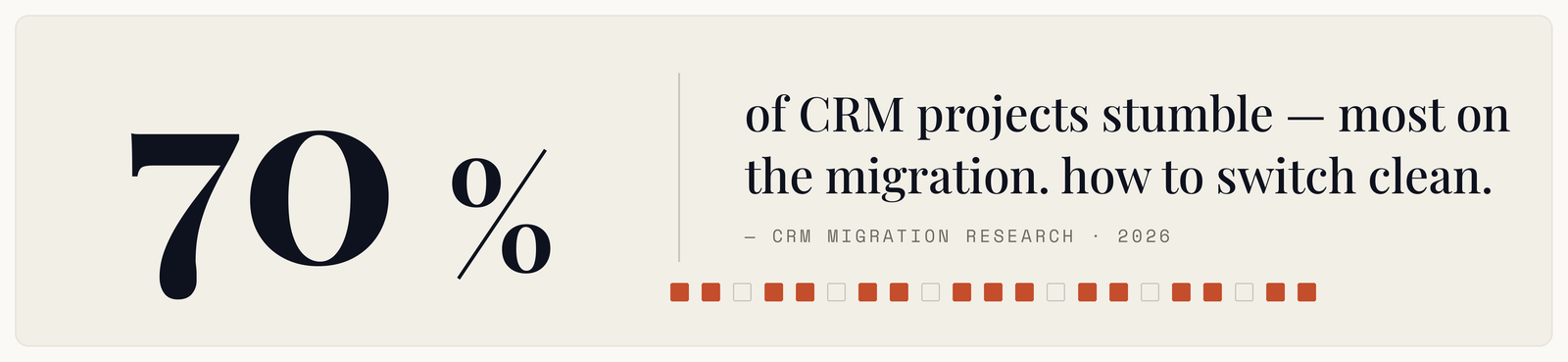
Six months after go-live, the new CRM is technically working. The data is in it. Reports run. And half the sales team is quietly keeping their real pipeline in a spreadsheet, because during the migration something they relied on stopped being there and nobody fixed it.
The project was delivered. The migration failed. Those are different things, and only one of them shows up in a status report.
Decide what you are actually escaping
Before evaluating anything, write down why you are moving. The reasons fall into categories that call for different responses.
Capability gaps — the system cannot do something you need. Legitimate, and worth checking whether it is genuinely absent or merely unconfigured. A surprising number of migrations are triggered by a feature the current system has and nobody set up.
Cost. Also legitimate, and worth pricing honestly against migration cost plus the productivity dip. Payback is often longer than expected.
Usability. Reps hate it and adoption is poor. The trap here is that adoption problems are frequently process problems wearing a software costume. If your CRM requires nineteen fields to log a call, a new CRM will require nineteen fields and reps will hate that too.
Scale. You have outgrown it. The clearest case, and usually the least contested.
Writing this down matters because it becomes your success criteria. Migrations without stated criteria get judged on whether the data arrived, which is the least important part.
The data is worse than you think
Every migration discovers the same things, and discovering them during the migration is what causes the delays.
Duplicates, at a rate that surprises everyone. The same company as three records with different spellings, each holding part of the history.
Dead records. Contacts at companies that no longer exist, owned by reps who left years ago, last touched in a decade you would rather not name.
Custom fields nobody can explain. A field called Status 2 with values that meant something to a person who has moved on.
And critically, history that lives in the wrong place. Emails, call notes, and attachments are usually the hardest things to move and the things reps miss most. A migration that brings accounts and opportunities but drops five years of email threads has taken away the thing that made the CRM useful.
Audit before you scope. Count the records, the duplicates, the fields actually in use, and the volume of activity history. That audit routinely changes the plan.
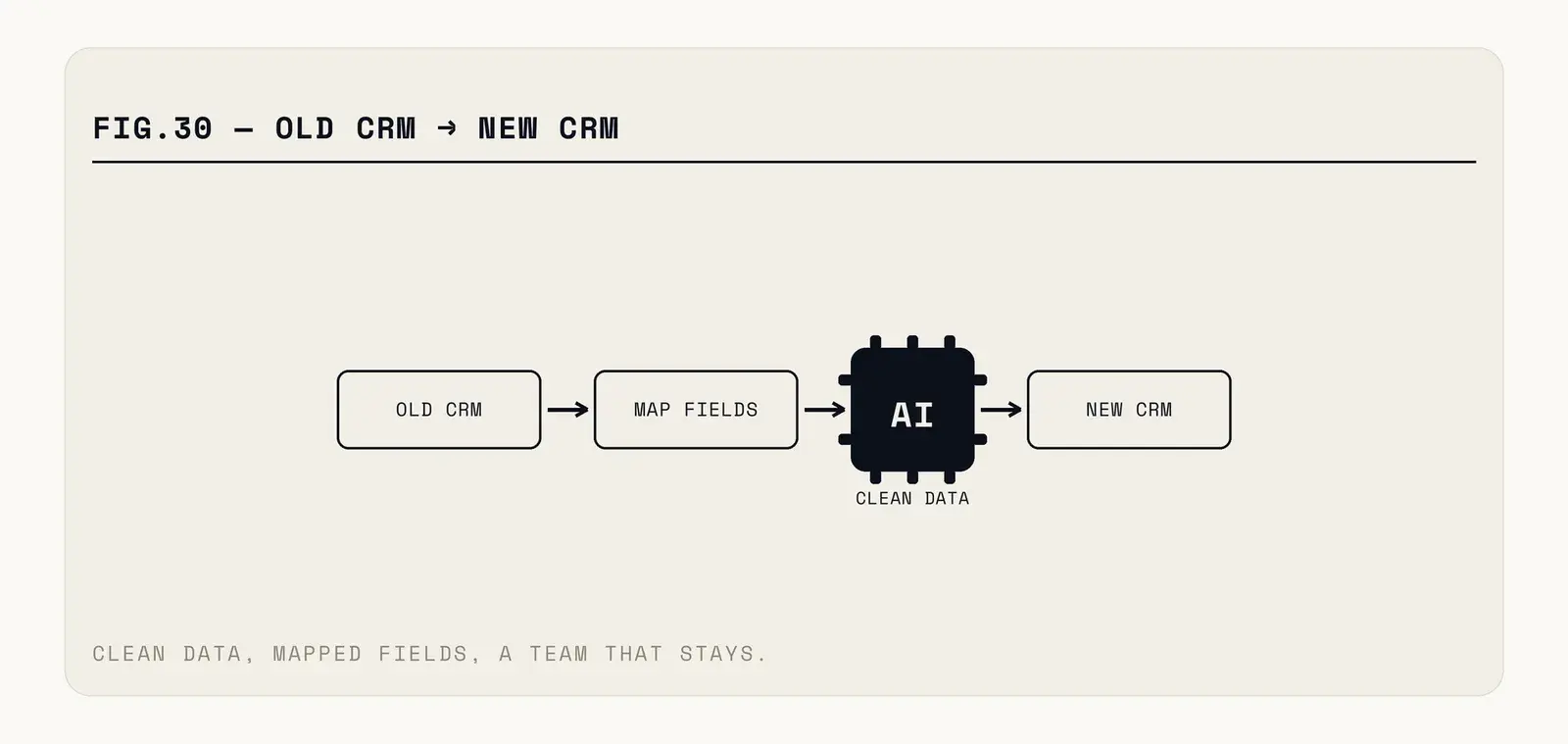
Fig. — Cleaning happens before the move. Cleaning during the move is how timelines double.
Clean first, in the old system
This is the single highest-leverage decision in a CRM migration, and it is consistently skipped because it delays the exciting part.
Deduplicate, archive the dead records, and delete the fields nobody uses — in the source system, before mapping anything. Migrating rubbish gives you the same rubbish in a more expensive place, and it doubles the mapping work because every junk field still needs a decision.
Be ruthless about what comes across. A contact untouched in five years, at a company you no longer sell to, is not an asset. Archive it somewhere retrievable and leave it out of the migration.
This phase also surfaces the political conversations early — which reps have been hoarding accounts, which pipeline is real. Better in a data review than during go-live week.
Mapping, and the fields that have no home
Every field in the old system needs an explicit decision: migrate as-is, migrate transformed, or drop. Written down, agreed, and signed off by someone from sales rather than only by IT.
The interesting cases are the ones with no equivalent. A picklist with fourteen values moving to a system that offers six. A custom object the new CRM models differently. Those need a business decision, not a technical one, and pretending they are technical is how you end up with a field called Legacy_Status_Do_Not_Use three years later.
Watch record ownership and relationships particularly. Migrations frequently preserve records and lose the links between them — the contact detached from its account, the opportunity without its history. Test those explicitly rather than counting rows.
Rolling out without a revolt
Test-load a real subset first. Not sample data. A hundred genuine accounts with their full history, checked by the reps who own them. They will spot missing things a validation script cannot.
Run parallel for one full sales cycle. Expensive and worth it. Reps enter in both, and the discrepancies are how you find what the migration dropped while the old system is still there to check against.
Do not change the process at the same time. The temptation is enormous — new system, fresh start, let us also fix our stages and add required fields. Resist it. Reps struggling with unfamiliar software and unfamiliar process at once conclude the whole thing is worse. Migrate first, improve after.
Train on their actual work. Generic vendor training teaches the software. What reps need is how to do their specific daily tasks in the new place, with their own accounts on screen.
Name someone who answers questions fast. In week one, a rep who cannot find something and waits two days for an answer starts using a spreadsheet, and that habit outlives the migration.
Pick the timing deliberately. Never at quarter end, never during your busiest weeks, and not while a major deal is closing. Reps under quota pressure have no patience for an unfamiliar system, and a migration blamed for a missed number is politically unrecoverable regardless of whether the blame is fair.
Keep the old system readable for a while. Read-only access for a few months costs little and removes the fear that something is gone forever. Cut it off once nobody has opened it in a month.
The integrations are half the project
A CRM is rarely standalone, and the connected systems are where migrations overrun.
Make the inventory early: marketing automation, the email and calendar sync, quoting or proposal tools, the accounting package, support desk, data enrichment, whatever custom reporting someone built against the old API. Each one is a separate piece of work, each has its own timeline, and several will not have an equivalent connector for the new system.
Email and calendar sync deserves particular attention because reps notice it within an hour. If it behaves differently — different matching rules, different defaults about what gets logged — you will hear about it immediately, and the complaint will attach itself to the whole migration.
Custom reporting is the quiet one. Somebody has built dashboards against the old system, possibly against its database directly, and those break on day one. Find them by asking who produces which regular report rather than by looking at the CRM, because half of them will not be in it.
Sequence integrations so the ones reps touch daily are ready at go-live and the back-office ones can follow. Getting that order backwards is a common and avoidable source of early distrust.
The measure that tells you it worked
Not data migrated. Not go-live date hit.
Whether reps are using it — logging activity, updating stages, working deals in the system rather than around it — three months in. And whether the numbers leadership relies on come out of the CRM rather than out of a spreadsheet someone assembles on Fridays.
If both are true, the migration succeeded regardless of how many records came across. If either is false, you have paid for a system and kept the old habits, which is the most expensive possible outcome.
Planning and running a migration so the history survives and the team stays with you is the sort of work we do at CODT Technologies.