
Podcast audio becomes a video clip in minutes.
AudioBounce is a web tool for podcasts, voiceovers and music. It builds video clips from templates, waveform visualisers and the creator’s own branding.
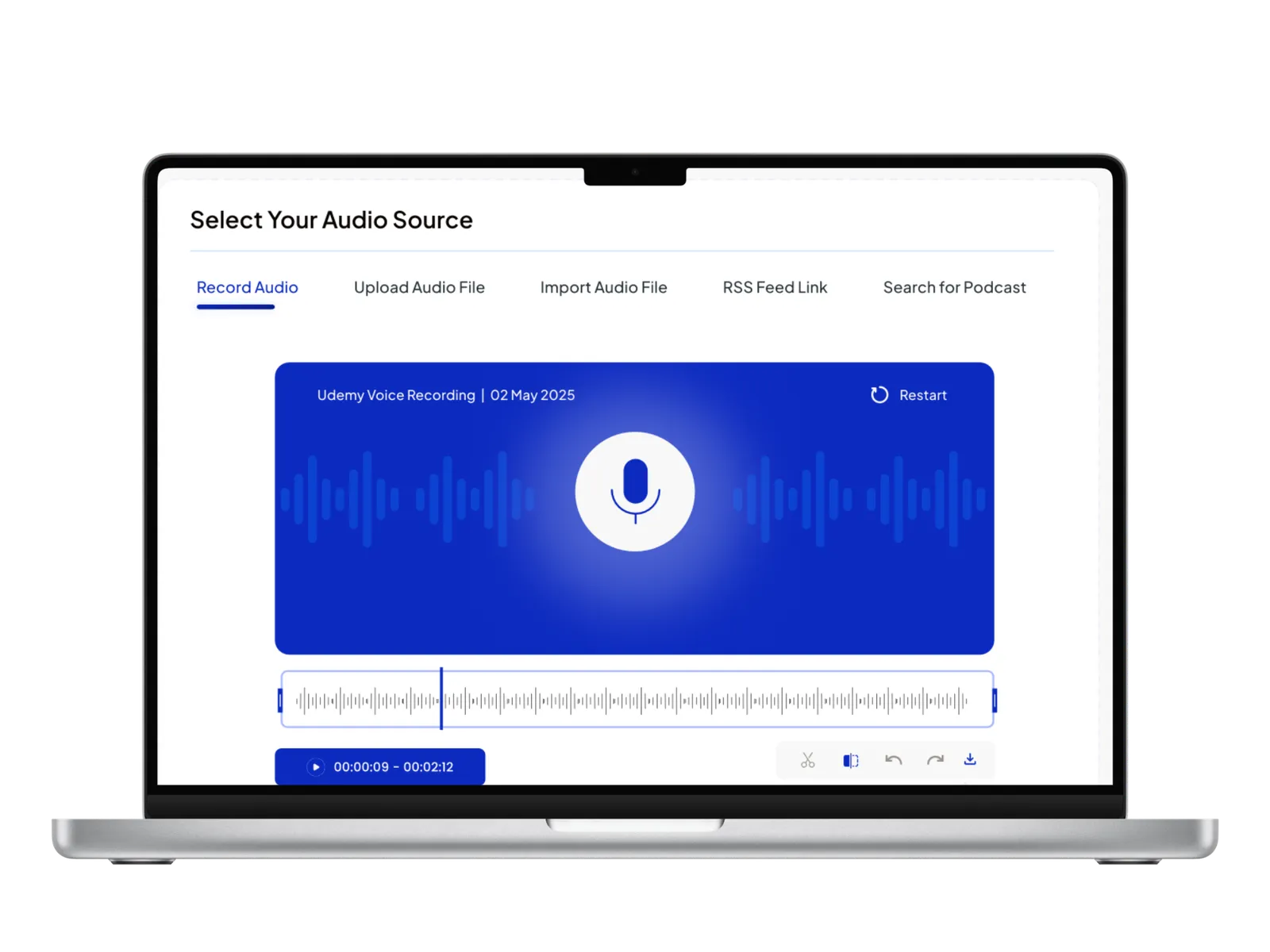
Podcasters needed video without hiring an editor.
Most social platforms favour video. Podcasters either posted a still cover image with the sound, which got little attention, or paid an editor for every clip. AudioBounce wanted creators to make the clip themselves, in minutes.
We built the rendering engine and the editor around it: waveform visualisers that react to the audio, brandable templates, captions and export for each platform. Creators do all of it in the browser, with nothing to install.
A first clip now takes under four minutes, and creators save around three hours on each episode.
Clipping one episode took hours.
Creators either learned a video editor or paid someone else, and many skipped clips altogether.
Audio posts were easy to scroll past.
Each way of posting audio on social media had a drawback.
- Still images get skipped: a cover image with sound gets little attention in a video feed.
- Paying an editor: every clip cost money and took a day to come back.
- Editing software is hard: creators wanted finished clips without learning a video editor.
- Per-platform formats: each network wanted a different size, and every version was exported by hand.
Creators never touch a video timeline.
They upload the audio, choose a template and get a branded video back.
- Waveform visualisers: motion generated from the audio itself.
- Brandable templates: colours, type and layout locked to the show’s identity.
- Captions built in: word error rate under 5%, and mistakes can be fixed inline.
- Per-platform export: the right size and shape for each social network, from one project.
Templates do most of the design work.
Everything between uploading the audio and posting the clip.
Waveform visualisers
Animation that follows the audio, in the show’s brand colours.
Template system
Reusable, customisable layouts so every episode ships clips in house style.
Branded effects
Logos, colours and typography applied once, kept consistent across every export.
Audio handling
Upload the episode, trim it and choose the part that becomes a clip.
Per-platform export
Square, vertical and widescreen renders.
Creator workflow
Designed for shows that publish every week.
Speed was the main goal.
We timed each step of the flow, from upload to export.
Research
Looked at how creators clip their episodes and where they give up.
Three-step flow
Pick a template, add your brand, export.
Rendering engine
It draws the waveforms and captions and exports each template.
Tuning after launch
Measured the time to first clip after launch and kept tuning until it was under four minutes.
Bring your version of the AudioBounce problem. Four hours, free, with the team that shipped this one.
Book the free workshopWhat kept us up at night.
The hardest parts of the build.
Keeping animation in sync with the audio
Waveform animation and caption timing had to match the audio frame by frame, and rendering had to be quick enough that creators don’t sit and wait.
Caption accuracy
Automatic captions have a word error rate under 5%, meaning fewer than 5% of words come out wrong. Creators fix the rest inline, which is much faster than typing captions themselves.
Tech stack.
Clips are rendered with FFmpeg. The app itself runs on Node.js and Meteor.js, with MongoDB and Redis.



Numbers the owners watch.
What creators get back.
With no video editor involved at any step.
Automatic captions that need only a quick check.
Hours that used to go on editing clips or briefing an editor.
Want numbers like these? Here is what happens after you write.
Keep exploring.
Every project here is live, paid for, and earning revenue for its owners.
Frequently asked questions
Put it in a brief. A senior engineer reads it and replies within one business day.
What is AudioBounce?
AudioBounce is a web tool, built by CODT Technologies, that turns podcasts and other audio into short video clips. Each clip gets a moving waveform, the show’s branding and captions, sized for the platform it is going to.
How fast can AudioBounce produce a clip?
A first clip is ready less than four minutes after upload. Captions have a word error rate under 5%, and creators save about three hours of editing per episode.
Who is AudioBounce for?
Podcasters and audio teams who want video for social media but don’t have a video editor. The tool does the editing work for them.
Have a problem worth
solving well?
Tell us about your product, your timeline and your constraints. We reply within one business day with an honest read on fit, scope and the right team.